Import clients in bulk
Bring your client list into ComptaFlow from spreadsheets, with duplicates caught and existing records never clobbered.
Who this is for: owners and managers. Employees cannot import.
Before you start
- You need a plan that includes spreadsheet import; the check is enforced on the server, not just hidden in the interface.
- Accepted files:
.xlsx,.xls, or.csv, up to 5 MB each.
Steps
One spreadsheet of clients (the wizard)
- Start the import from the Clients page and upload your spreadsheet. The number of rows per import depends on your plan: 10 on trial, 50 on starter, 500 on higher plans.
- Review the match results. Every row is checked against your existing clients by NEQ first, then federal business number, then normalized company name. A near-match by name is only flagged for you; it is never merged automatically.
- Pick a merge strategy for rows matching existing clients: fill empty (default, writes only blank fields), source wins, or confirm each. Under every strategy, an existing NEQ, business number, or client name is never overwritten.
- Commit. New clients are created; matches are merged non-destructively (contacts append, yes/no flags never flip from yes to no, notes append under an import marker with the source and date).
Many per-client sheets (coordinate sheets)
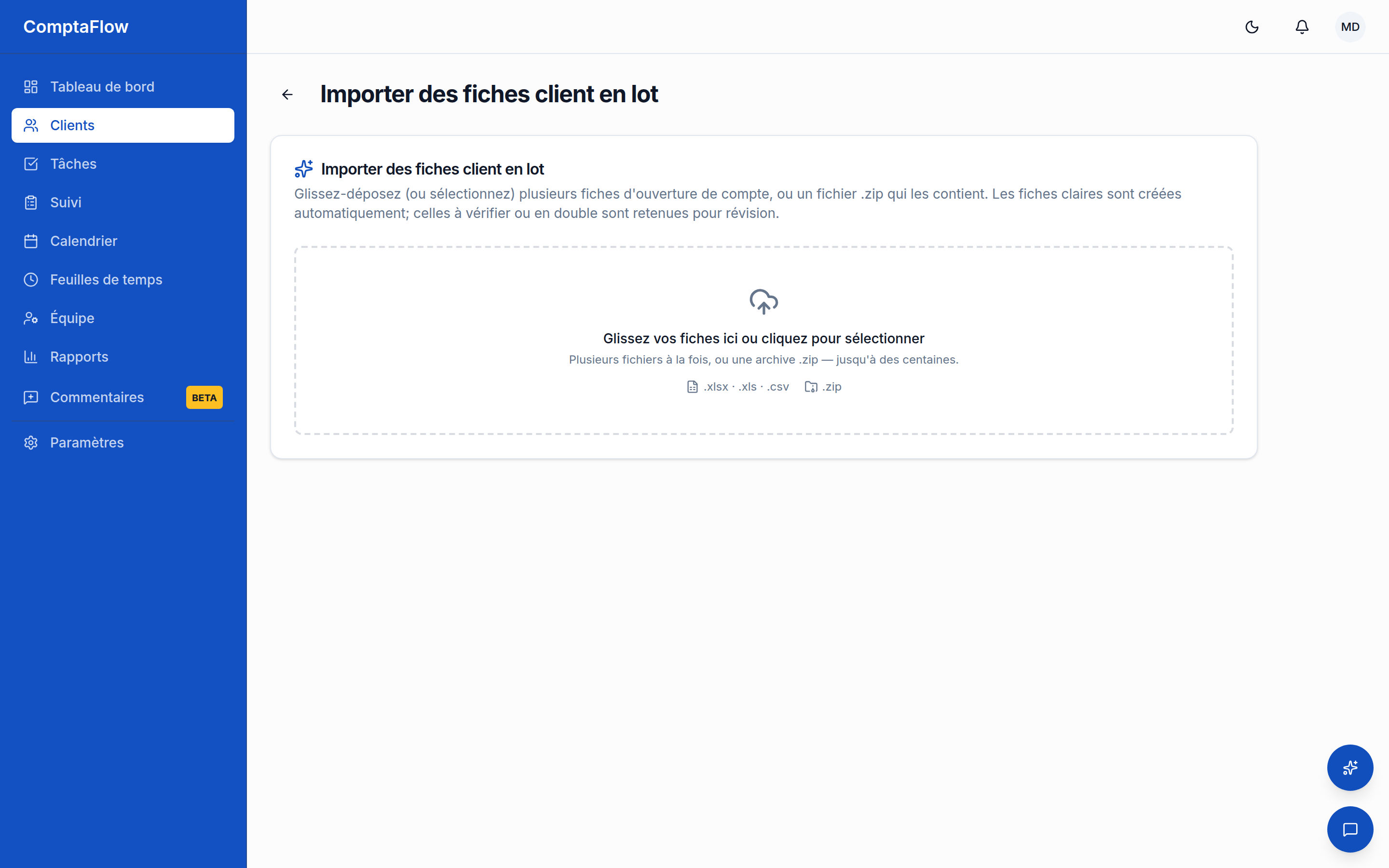
- Open Clients → Import sheets and upload the client coordinate sheets (up to 4 files per extraction batch).
- Extraction reads each sheet. Sensitive values (SIN, ClicSEQUR credentials, bank logins) are read directly on the server and are never sent to the AI; only the redacted remainder is. Each extraction is recorded in the audit log.
- Review the triage: auto (ready to create), review (something invalid or incomplete — for example a shareholder without an ownership percentage), or duplicate (matches an existing client).
- Commit (up to 50 items per batch). Duplicates are re-checked at commit against live data, so a "create" that turns out to match an existing client becomes a fill-empty merge instead of a duplicate.
What can go wrong
- If you are an employee: every import path refuses you.
- If a file is rejected: check the type (
.xlsx/.xls/.csv), the 5 MB size, and your plan's row cap; rejections are per file. - If a row lands in review: fix or confirm it by hand; it will not be created automatically.
- If you worry about your existing data: merging never blanks anything — stored credentials are never touched by imports, and identifiers already on file win over the spreadsheet.
Limits
- Import is owner/manager only and requires the spreadsheet-import plan feature.
- Wizard row caps by plan: trial 10, starter 50, higher plans 500.
- Coordinate sheets: 4 files per extraction batch, 50 items per commit batch, 60 extractions per minute.
- Files must be non-empty and at most 5 MB.